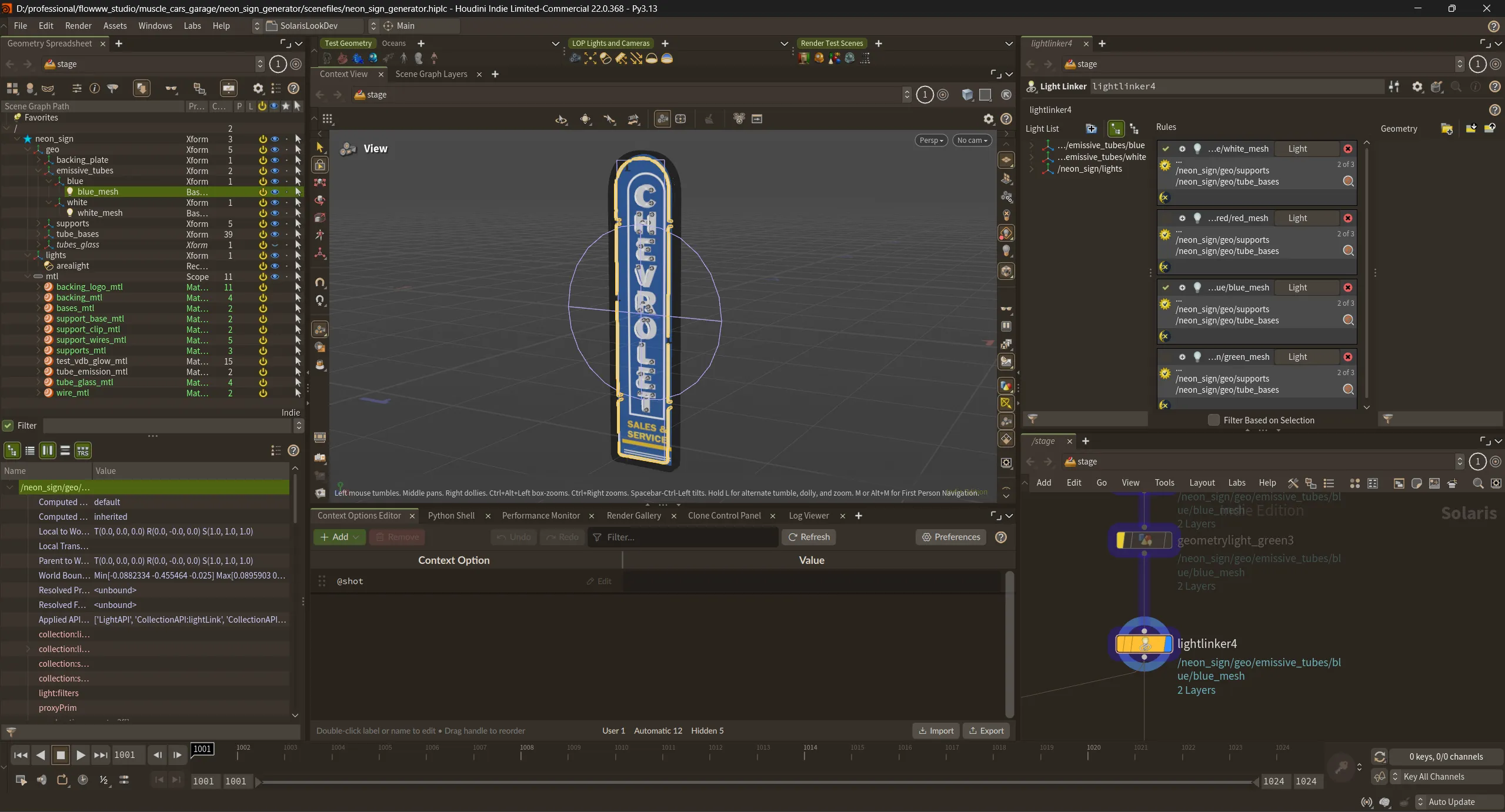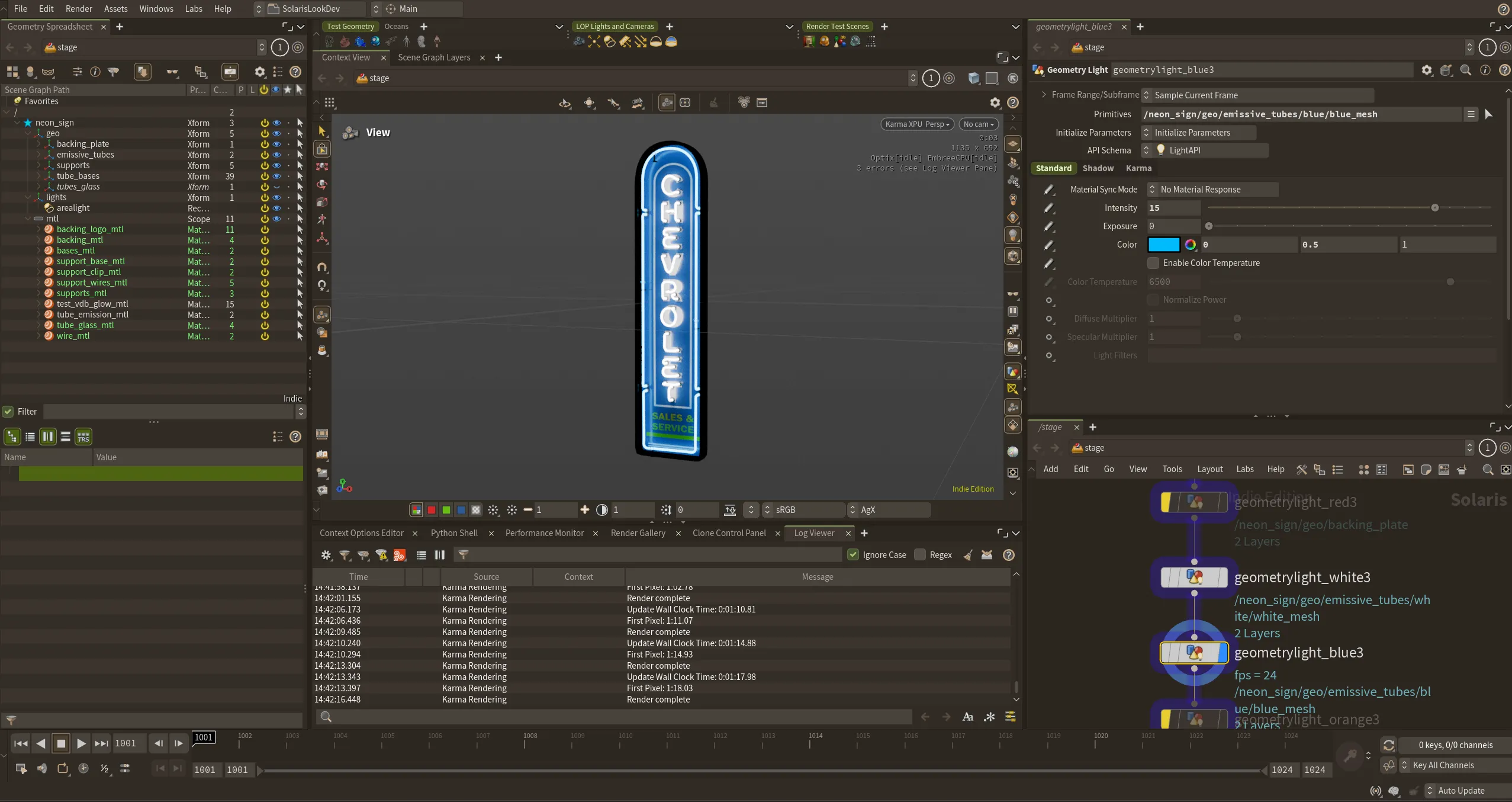
So much neon
For the Muscle Cars Garage video, I needed to create a whole bunch of neon signs, since even though they aren't the main focus of the video, MCG do sell them, and wanted them to appear often in the video. Also because neon lighting is cool!
I order to make as many as possible, without spending ages hand authoring each one, i decided to create a pprocedural setup so that i could just draw the main shapes of the sign with the curve node, adn then node network would take care of generating the geometry, UV's, material assignments etc.
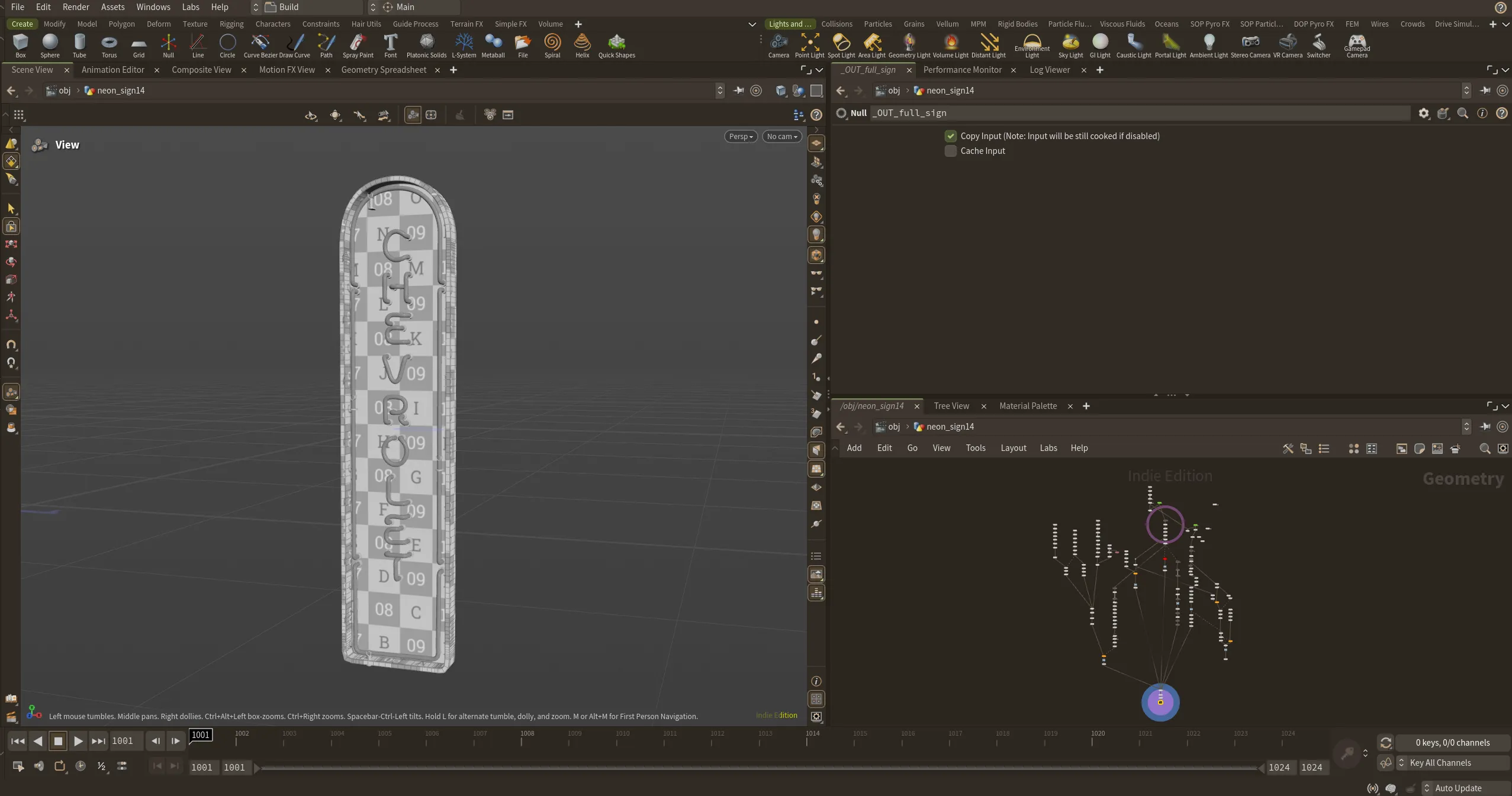
Lookdev and Export
After the geo had been created in SOPs I could then easily import it into LOPs and set up the lights and materials, and i could make some final lookdev tweaks if need be.
Lastly i would then export the neon sign as a USD file so that i could use it as an asset in the final film. All in all, after the inital process of creating the node tree, i could create a neon sign in around 1 hour, saving a bunch of time as more and more signs became needed to fill out the garage set.